Home / Rough
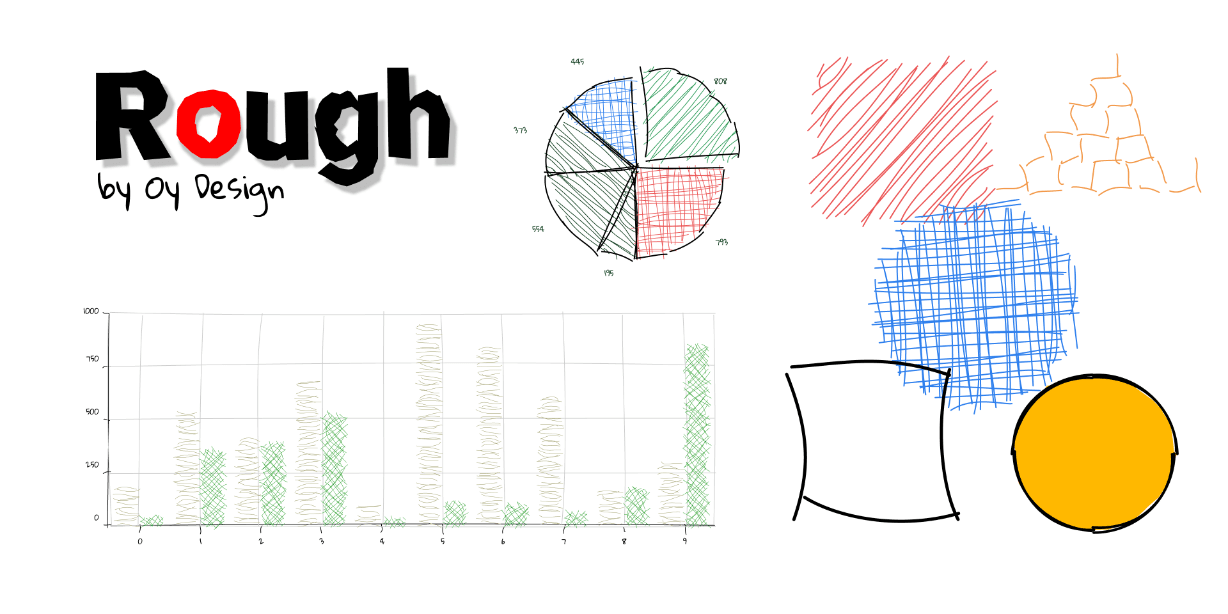
Just simply select object on the screen and run the plugin from menu “Plugins / Rough”. Then select parameters and press “Apply” button.
The system keeps the stroke and fill styles and width.


 Submit
 Go to Plugin Page